
Minimalist Remote Work Setup: 7 Smart Desk Decluttering Rules
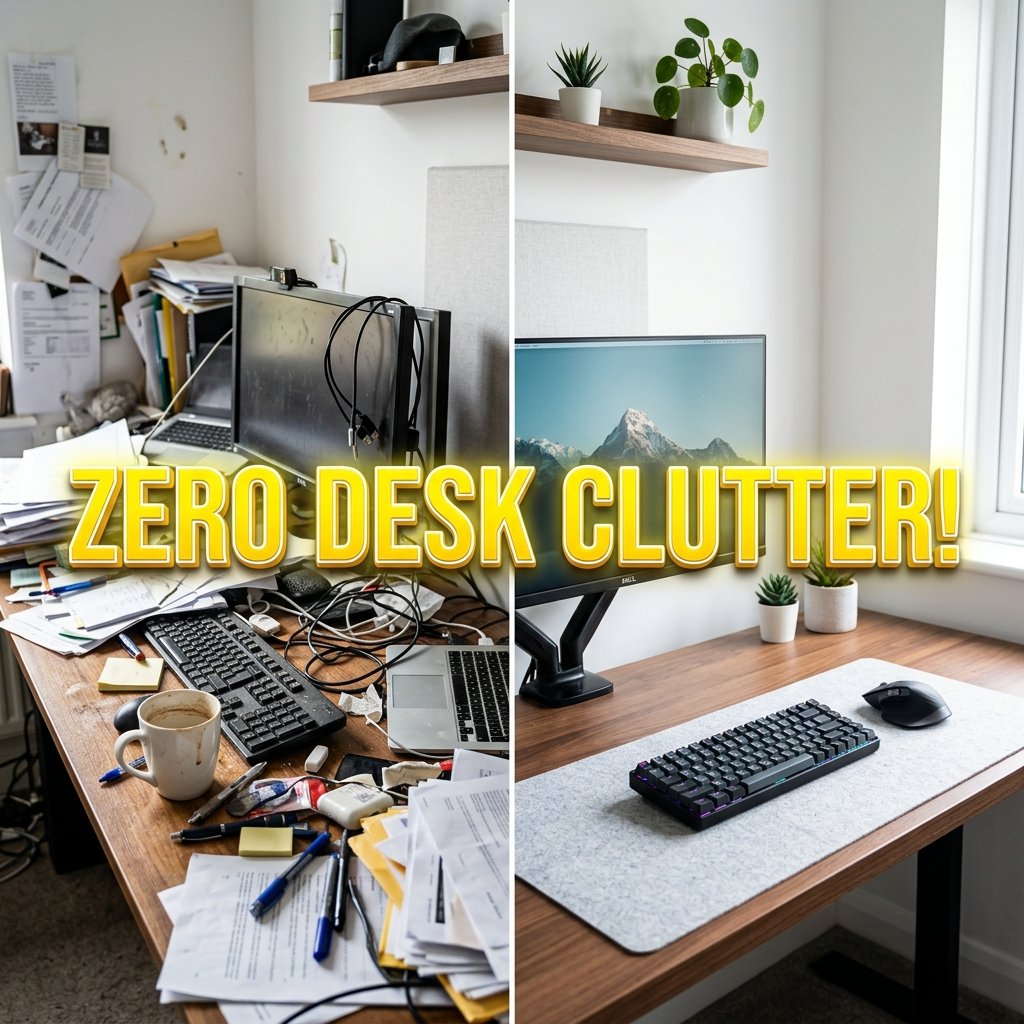
A minimalist remote work setup is designed around a single core philosophy: eliminating visual distractions to cultivate deep mental focus. In a world of overflowing desk accessories, tangled cords, and crowded multi-screen arrays, a minimalist workspace prioritizes clean lines, intentional hardware selection, and hidden storage. By enforcing strict decluttering rules, incorporating wireless Bluetooth peripherals, and curating a neutral color palette, remote workers create a serene environment that promotes sustained productivity.
1. The One-In-One-Out Rule in a Minimalist Remote Work Setup
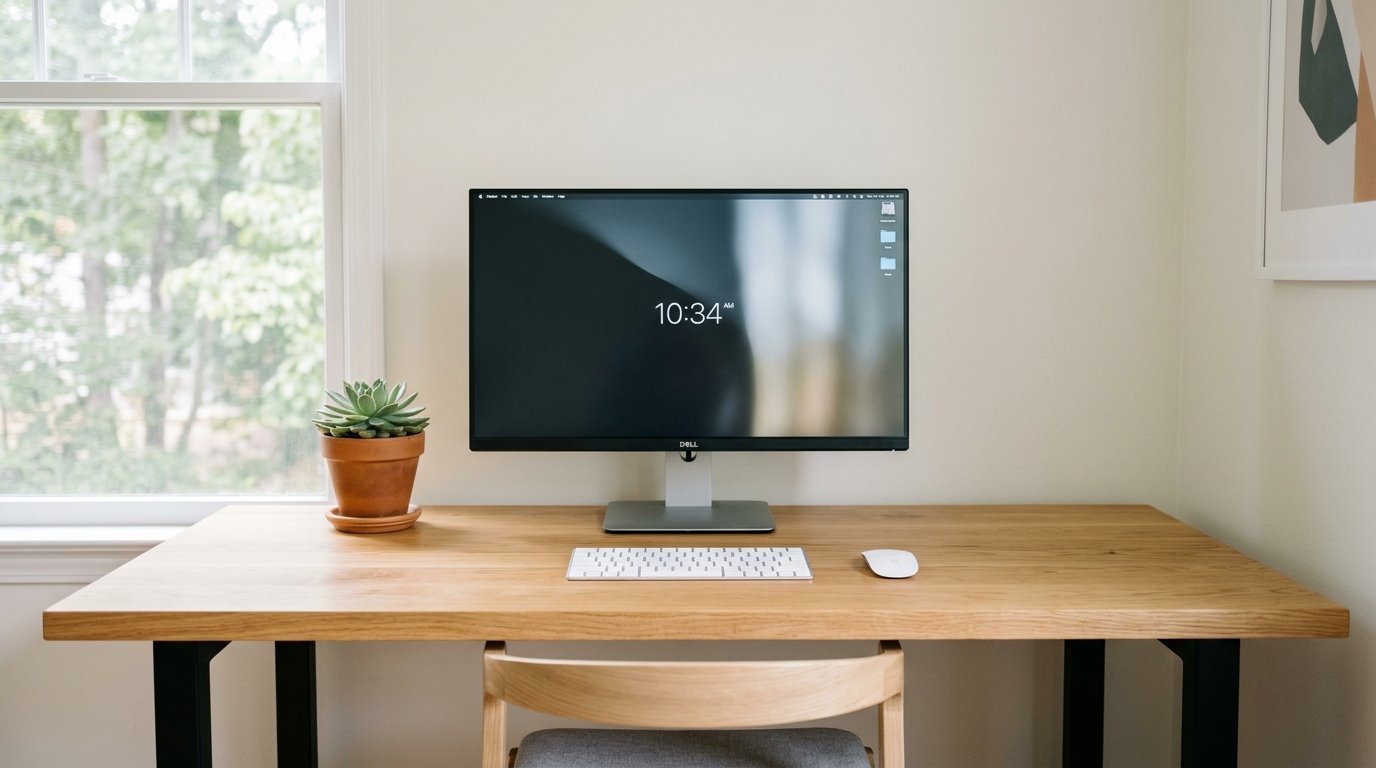
Clutter accumulates incrementally when new accessories enter the workspace without replacing old ones. Establishing the “One-In-One-Out” rule ensures your minimalist remote work setup remains lean over time. For every new gadget, desk ornament, or stationery item added to your desk, an existing item must be reassigned to hidden storage or recycled.
Keeping only essential daily tools (laptop/monitor, keyboard, mouse, water vessel) on the primary desktop surface maintains a clear physical environment. Clearing unnecessary items creates psychological space for deep, uninterrupted creative focus.
2. Concealed Storage Drawers in a Minimalist Remote Work Setup
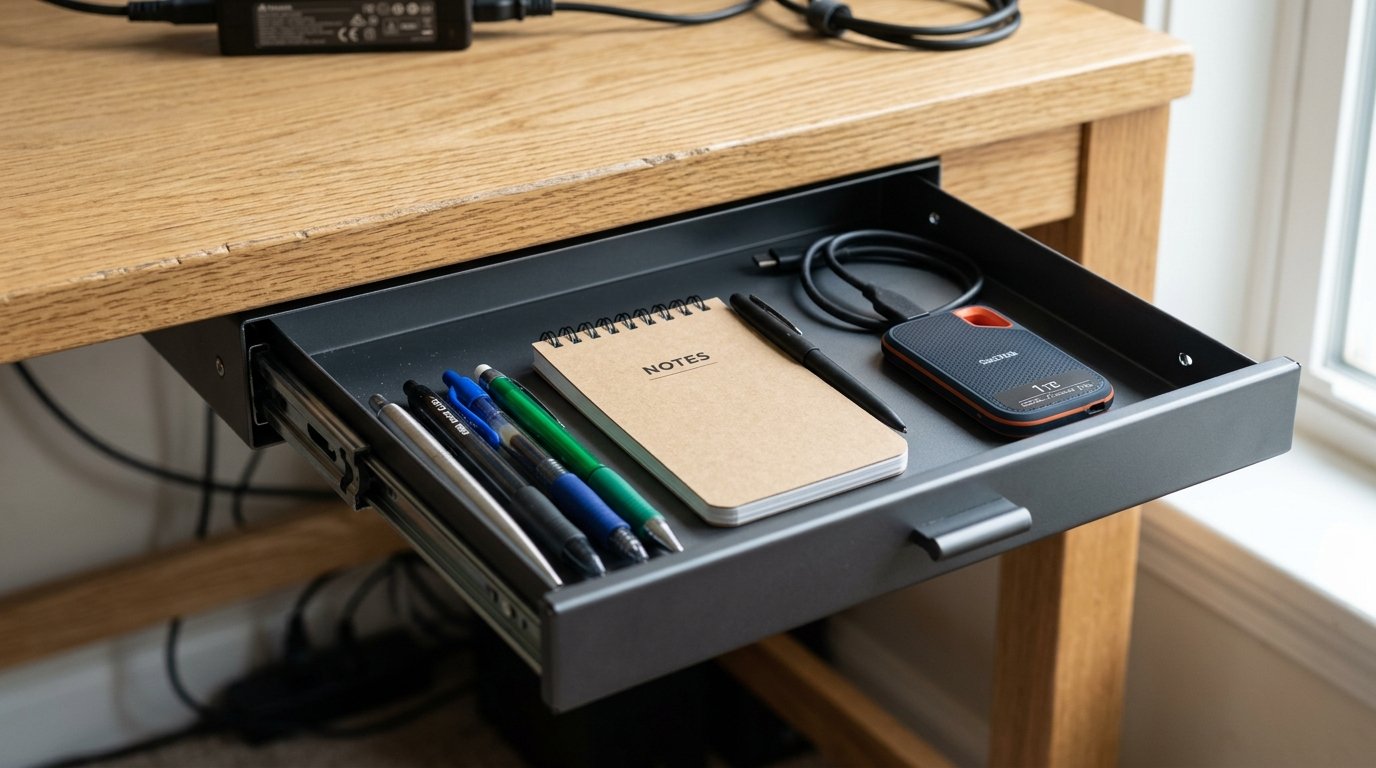
Minimalism is not about throwing away necessary work tools; it is about keeping them stored out of plain sight. In a high-efficiency minimalist remote work setup, mounting a slim adhesive or screw-in under-desk sliding drawer stores pens, sticky notes, dongles, and notebooks beneath the desktop frame.
Storing transient items in concealed drawers prevents desktop surfaces from becoming dumping grounds. Returning items to designated storage trays at the end of each workday ensures your desk remains clean for the next morning.
3. Floating Display Aesthetics in a Minimalist Remote Work Setup
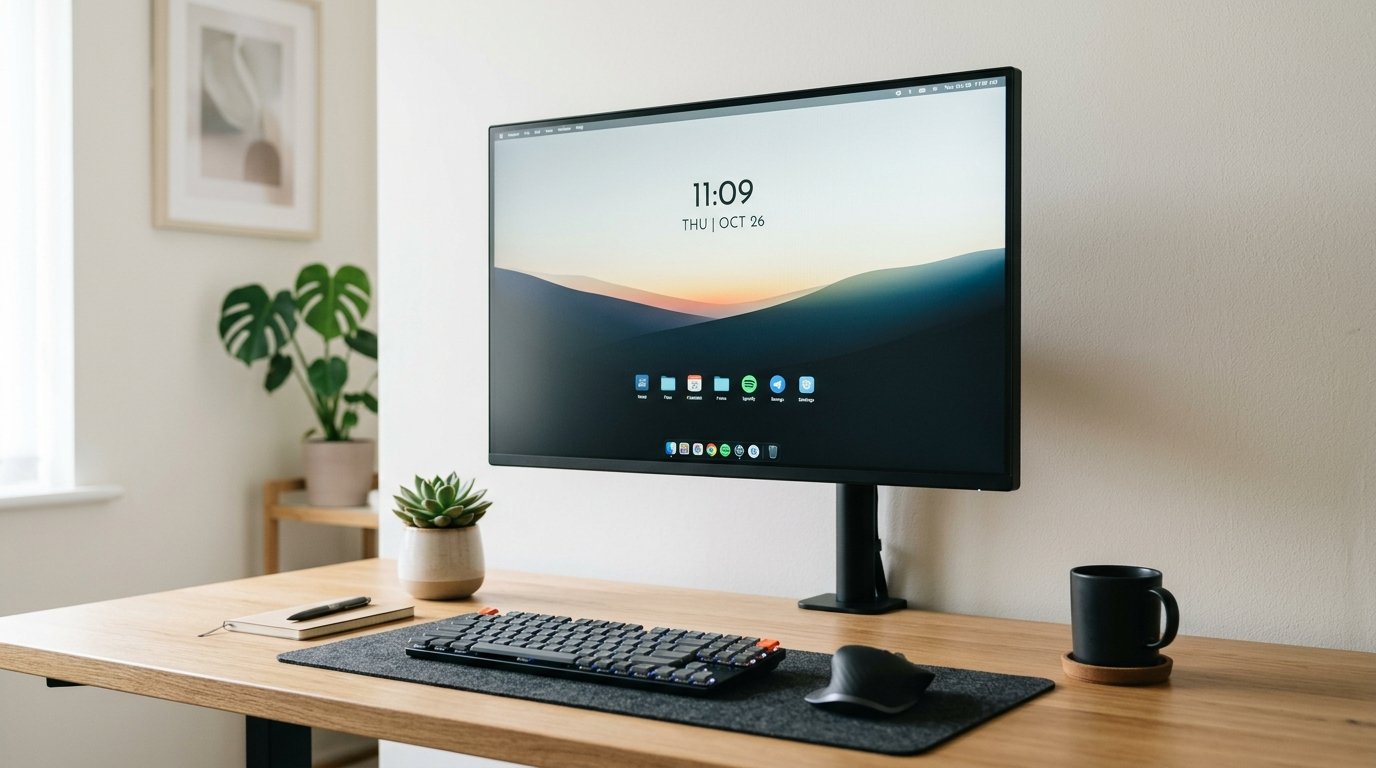
Factory monitor stands feature bulky plastic footprints that break desktop visual continuity. A hallmark of a sophisticated minimalist remote work setup is mounting displays on slim, matte-black VESA monitor arms clamped to the rear desk edge.
Elevating the monitor screen creates an illusion of a floating display while completely freeing the wooden desktop beneath. Passing monitor cords through internal arm channels maintains pristine, unbroken visual lines across your workspace.
“Eliminating physical desktop clutter directly reduces cognitive load, allowing remote workers to enter flow states faster.” – Workspace Psychology Journal 2026
4. Wireless Peripherals in a Minimalist Remote Work Setup
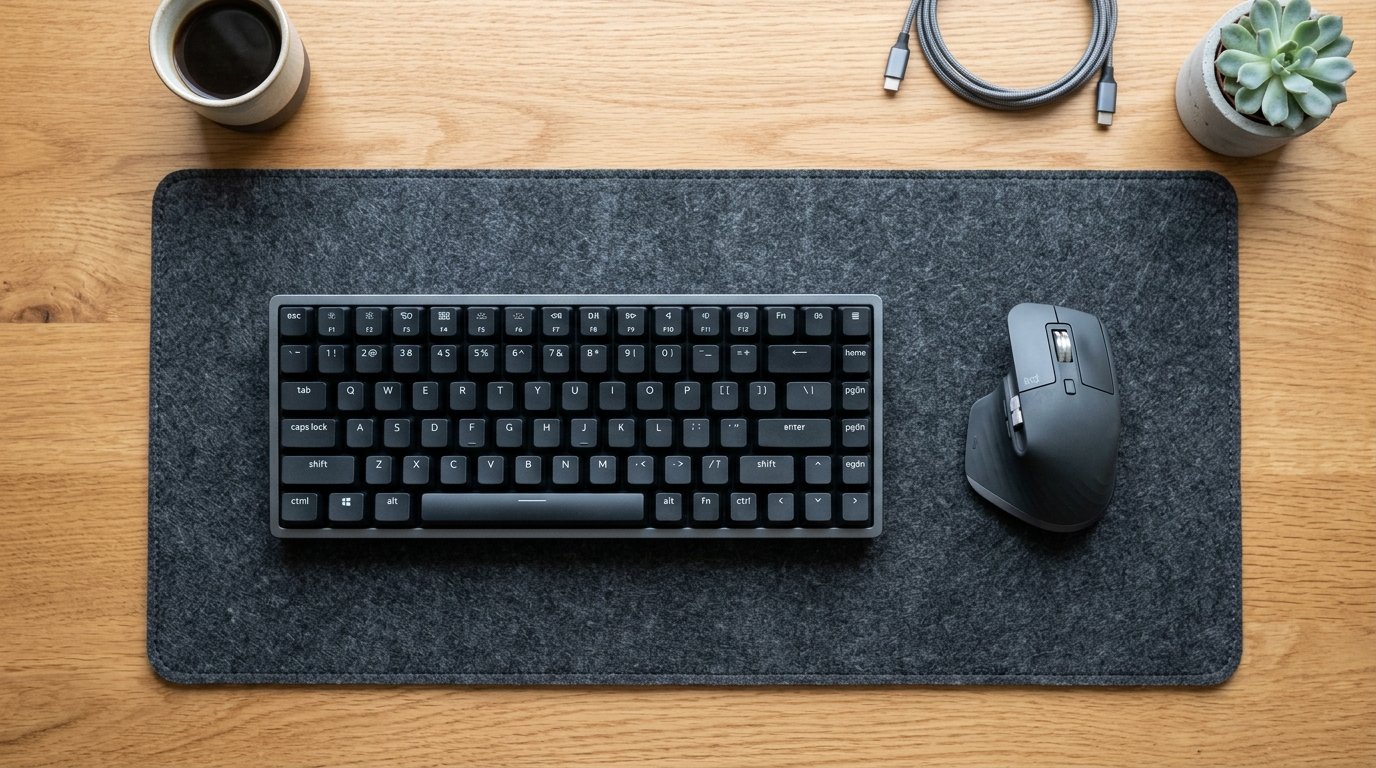
Visible cables running across a desk pad immediately disrupt a clean aesthetic. In an optimized minimalist remote work setup, selecting low-profile wireless Bluetooth keyboards and precision mice eliminates keyboard cord trails entirely.
Peripherals featuring long battery endurance (or magnetic wireless charging docks) keep your desk 100% cord-free during active work hours. Recharging input devices overnight ensures clean, unencumbered desk usage throughout the workday.
5. Neutral Color Palettes and Materials in a Minimalist Remote Work Setup
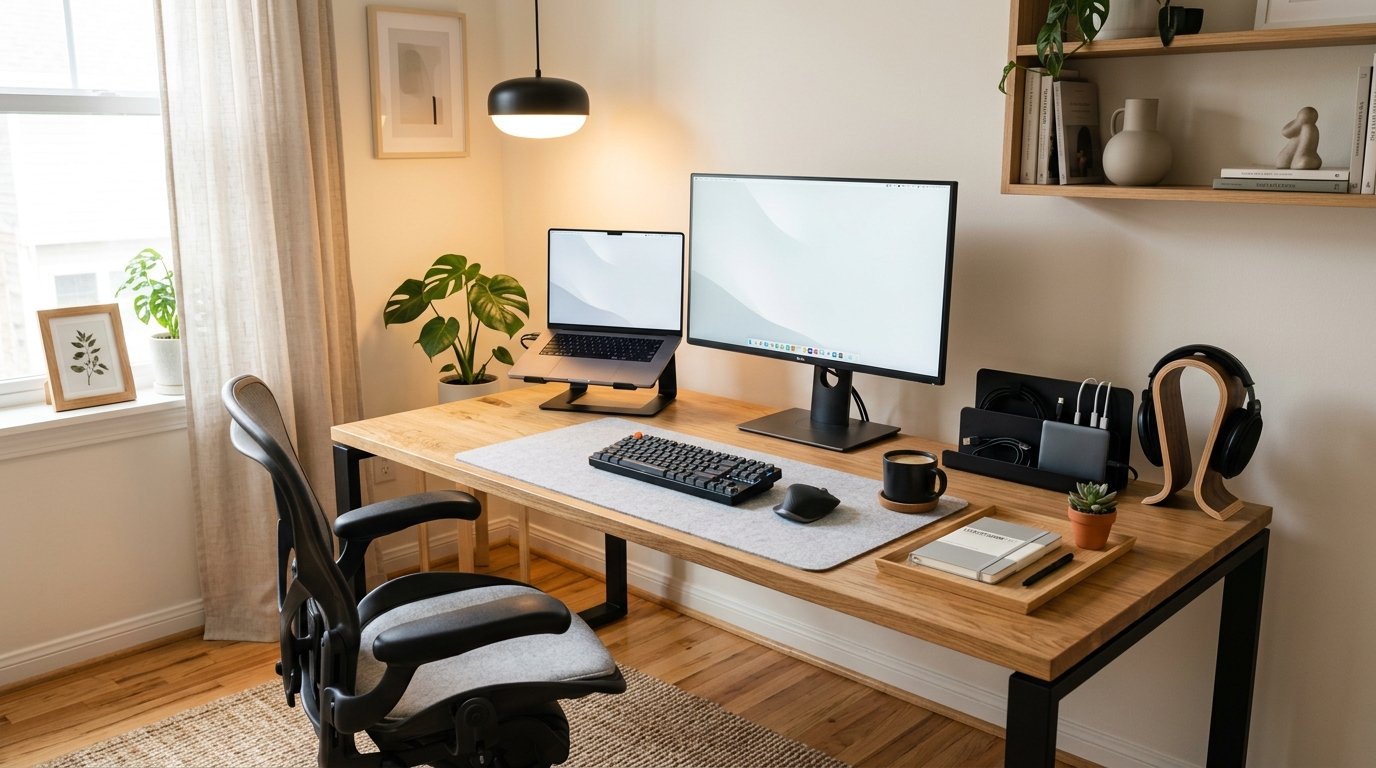
Color chaos creates visual noise that competes for mental attention. A refined minimalist remote work setup sticks to a strict neutral color palette consisting of two or three complementary tones (such as natural oak, matte black, and light gray wool felt).
Matching hardware finishes—such as aligning black monitor bezels with a black desk mat and dark metal lamp arms—creates visual harmony. Cohesive material selection gives your home office a intentional, serene aesthetic.
“A curated neutral palette of wood, wool, and matte metal creates a calm atmosphere that enhances daily work satisfaction.” – Interior Architecture Review
6. Floating Wall Shelving and Vertical Storage in a Minimalist Remote Work Setup
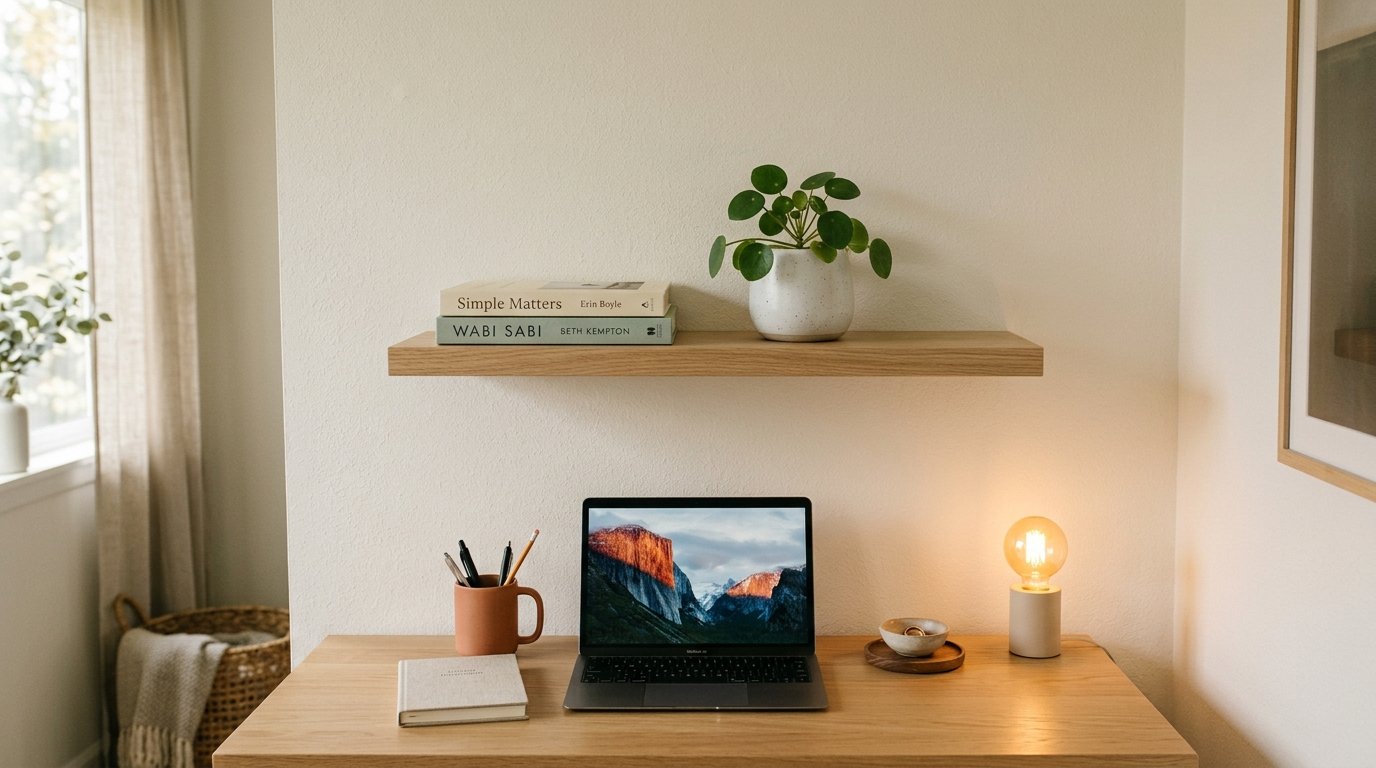
When desktop space is kept minimal, utilizing vertical wall space above the monitor provides functional storage for reference materials and subtle decor. Installing flush-mounted floating wooden shelves in your minimalist remote work setup keeps books and personal items off the primary work surface.
Limiting shelf items to a few curated elements (such as a small indoor plant and a ceramic pen holder) maintains an open, uncluttered atmosphere. Vertical storage keeps decorative elements nearby without sacrificing desktop real estate.
7. The End-Of-Day Desk Reset Routine in a Minimalist Remote Work Setup

A minimalist workspace requires active habit maintenance. Establishing a 5-minute “End-Of-Day Reset” routine is the most crucial rule of a sustainable minimalist remote work setup. Before logging off each evening, return all papers to drawers, wipe down the desktop surface, and place input devices in their designated positions.
Starting every morning with a completely clean, uncluttered desktop sets a positive tone for the workday. A consistent reset habit prevents clutter from rebuilding over time.
Q: Budget vs. Premium Cost Guide
| Component Category | Budget Friendly Option | Premium Professional Option |
|---|---|---|
| Under-Desk Drawer | Adhesive Plastic Tray ($14) | Spacemaker Steel Sliding Drawer ($55) |
| Monitor Arm | Single Matte Black VESA Arm ($32) | Fully Jarvis Heavy Duty Arm ($149) |
| Desk Pad Mat | Faux Leather Neutral Mat ($16) | Grovemade Wool Felt Desk Pad ($75) |
| Wireless Peripherals | Logitech Pebble Combo ($35) | Logitech MX Keys S + MX Master 3S ($210) |
Q: Myth vs. Fact
Myth 1: Minimalist setups are boring and lack personal character.
Fact 1: Intentional minimalism highlights high-quality materials, curated greenery, and premium textures without chaotic clutter.
Myth 2: You cannot perform complex technical work on a minimalist desk.
Fact 2: Concealed drawers and single-cable docks keep powerful technical hardware connected while maintaining a clean desktop surface.
Myth 3: Wireless peripherals constantly disconnect or run out of battery during work.
Fact 3: Modern Bluetooth 5.0 and 2.4GHz wireless devices offer months of battery life on a single charge.
Myth 4: Desk mats are purely decorative and serve no functional purpose.
Fact 4: Quality felt or leather desk mats protect wood finishes, dampen acoustic typing noise, and anchor workstation elements.
Myth 5: Minimalist setups are expensive to build.
Fact 5: Minimalism is primarily about removing unnecessary items; decluttering your existing desk costs nothing.
Q: Frequently Asked Questions (FAQs)
Q: How do I keep paper documents organized on a minimalist desk?
Use a single concealed under-desk drawer or vertical wall file organizer to store active paper files completely off the main desktop surface.
Q: What is the best desktop material for a minimalist remote work setup?
Natural solid woods (such as white oak, walnut, or birch) or matte laminate surfaces offer clean grain aesthetics that resist glare and smudges.
Q: How many items should ideally sit on a minimalist desk surface?
Aim for no more than four core items on your primary desktop: your display, keyboard, mouse, and a drink coaster or small plant.
Q: Is a wool felt or leather desk pad better for a clean setup?
Wool felt adds warmth and acoustic dampening, while leather offers smooth mouse gliding and easy wipe-down cleaning; both complement minimalist aesthetics.
Creating a minimalist remote work setup is a powerful way to reduce daily stress and cultivate deep focus. By following strict decluttering rules, utilizing concealed under-desk storage, mounting floating displays, and maintaining an end-of-day reset routine, remote workers build an inspiring, distraction-free home office sanctuary.






One Comment