
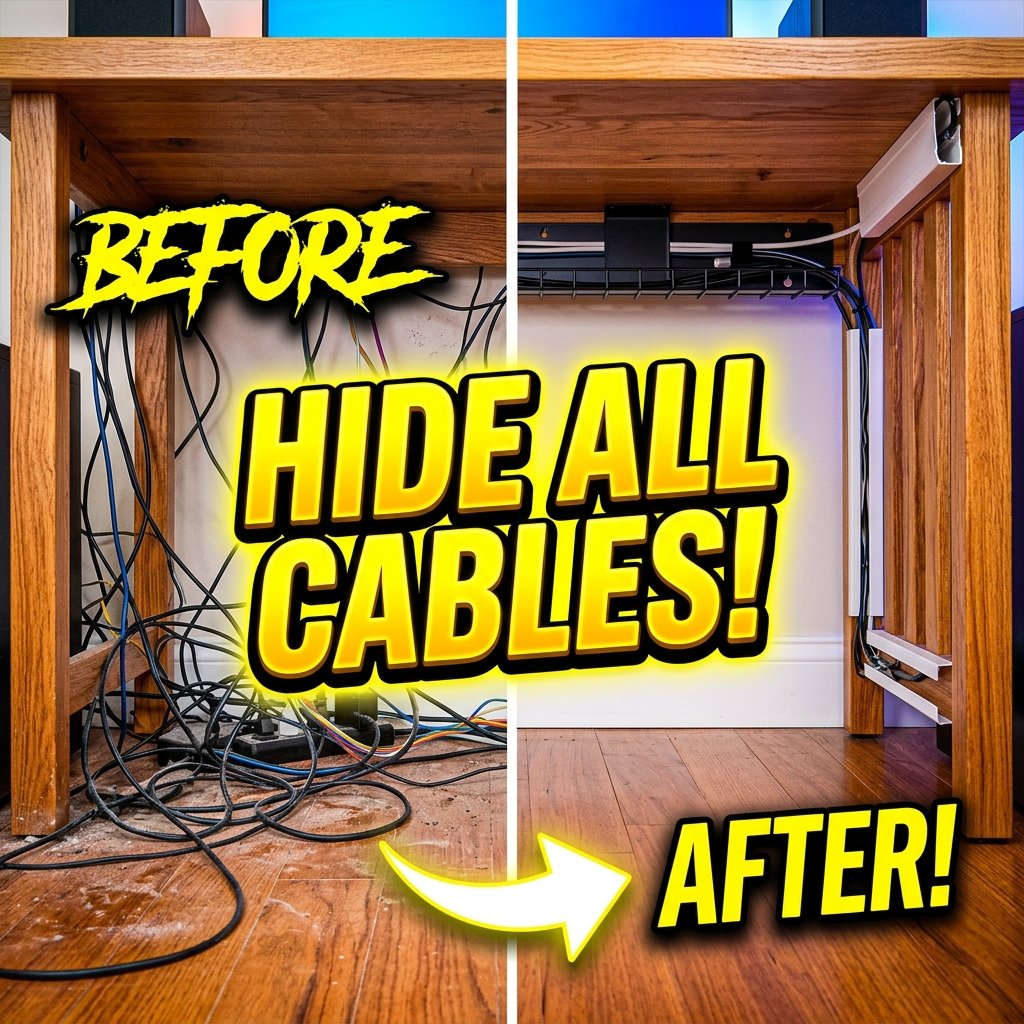
Cable Management Remote Work Setup: 8 Best Proven Wire Hiding Hacks
A masterfully organized cable management remote work setup transforms a chaotic, cord-cluttered desk into a clean, calming productivity sanctuary. Loose power bricks, dangling HDMI cables, and tangled monitor cords not only ruin desk aesthetics but also trap dust and pose accidental snag hazards. By implementing structured wire management techniques—such as under-desk steel trays, adhesive J-channels, magnetic cord clips, and single-cable umbilical runs—remote workers create a pristine workspace that enhances mental focus.
For additional desk organization inspiration, read our ergonomic remote work setup guide and our minimalist remote work setup guide.
Industrial standards for electrical safety and cord grouping can be reviewed on Wikipedia Cable Management Guide.
1. Under-Desk Wire Mesh Trays in a Cable Management Remote Work Setup
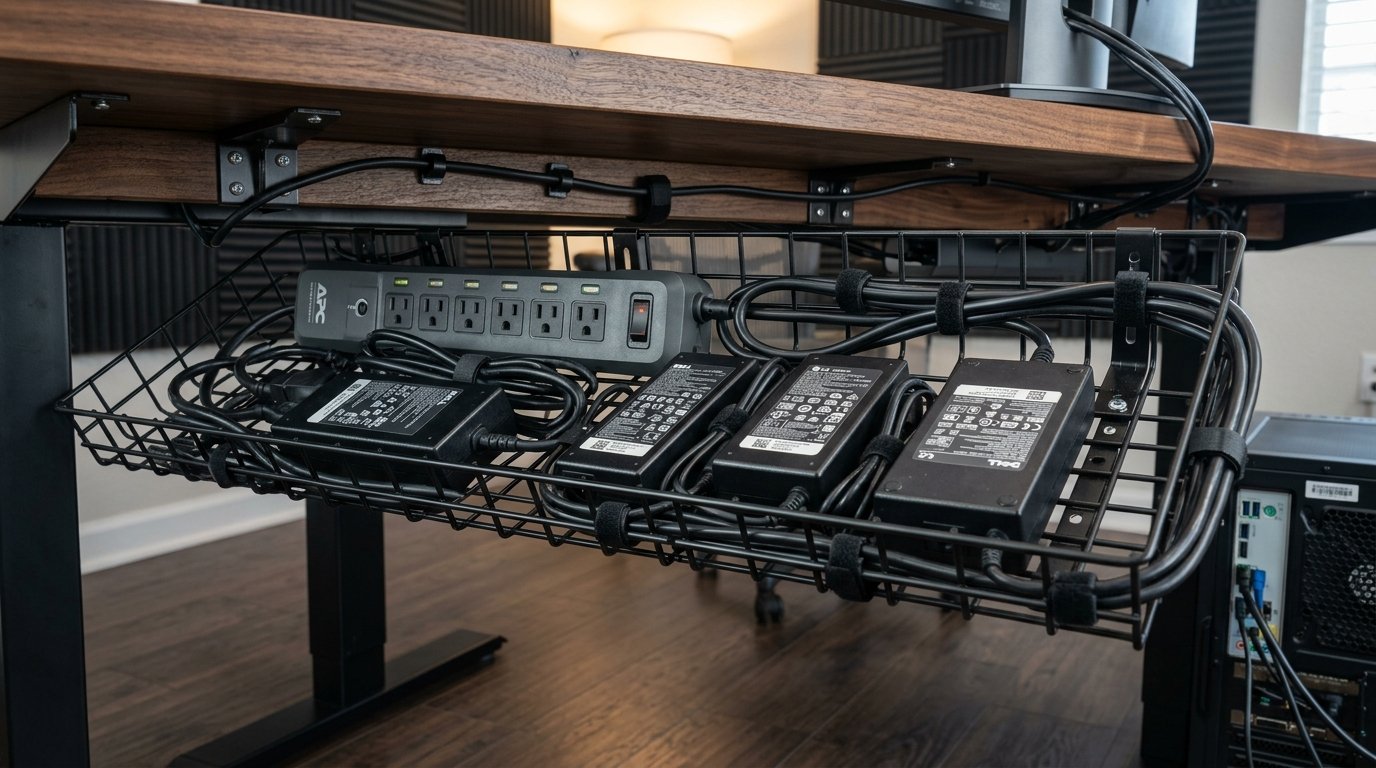
The foundation of any effective cable management remote work setup is an under-desk wire mesh tray or steel raceway. Mounting a wide wire tray directly to the underside of your desk frame creates a hidden shelf that stores heavy surge protectors, power bricks, and excess cord loops completely out of sight.
Wire mesh designs offer superior ventilation compared to solid plastic boxes, allowing high-wattage laptop power adapters to dissipate heat safely. Organizing power strips inside an under-desk tray ensures only one single power cord drops down to the wall outlet, establishing a clean visual aesthetic.
2. Adhesive J-Channel Raceways in a Cable Management Remote Work Setup
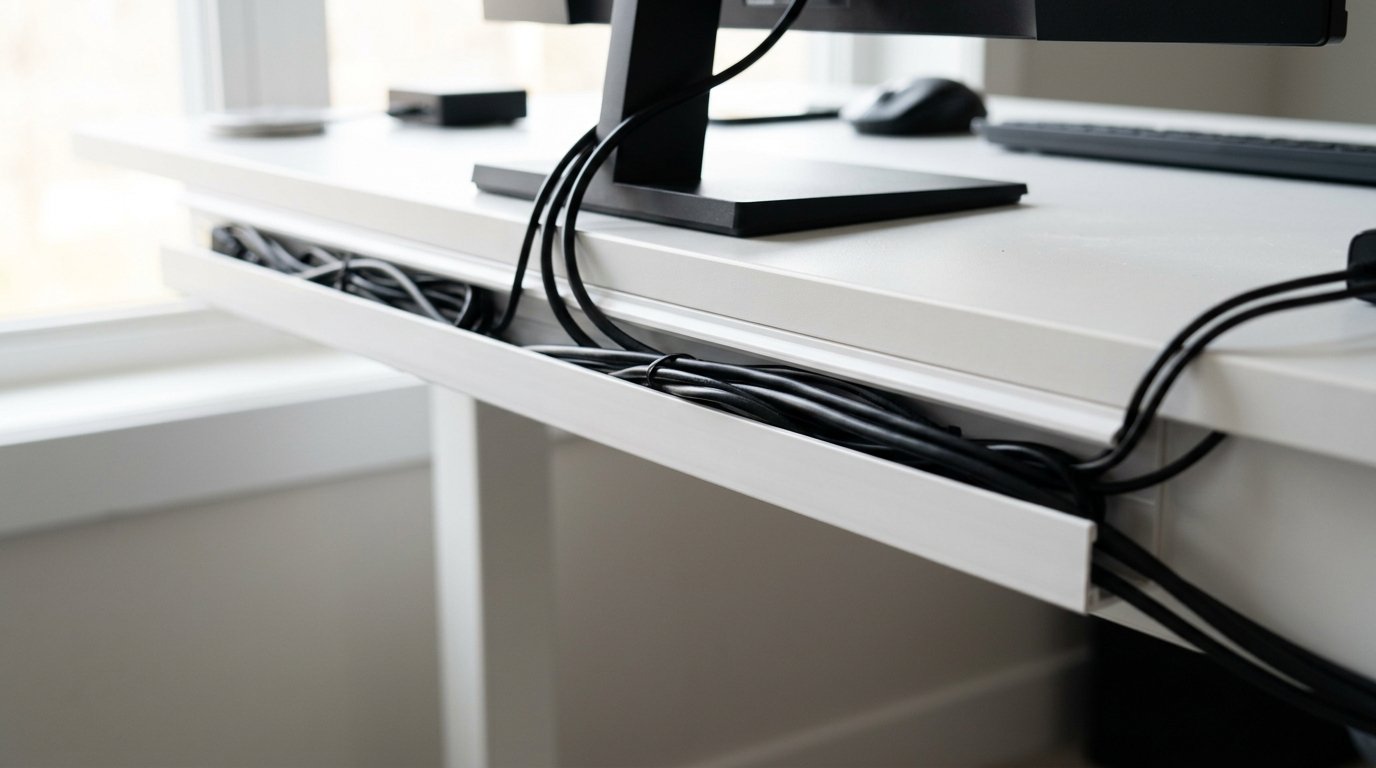
To route cords along desk legs and rear frame edges, a cable management remote work setup leverages non-damaging adhesive J-channel raceways. These open-top PVC channels stick securely to wooden or metal surfaces, allowing cables to be laid inside or removed effortlessly without undoing ties.
Running J-channels along the rear edge of your desktop conceals monitor cables, lamp cords, and charger wires as they travel horizontally toward your central power tray. Clean channel routing prevents cords from dangling beneath the desk edge in plain view.
3. Mounting Surge Protectors Under Desk Surfaces in a Remote Work Setup
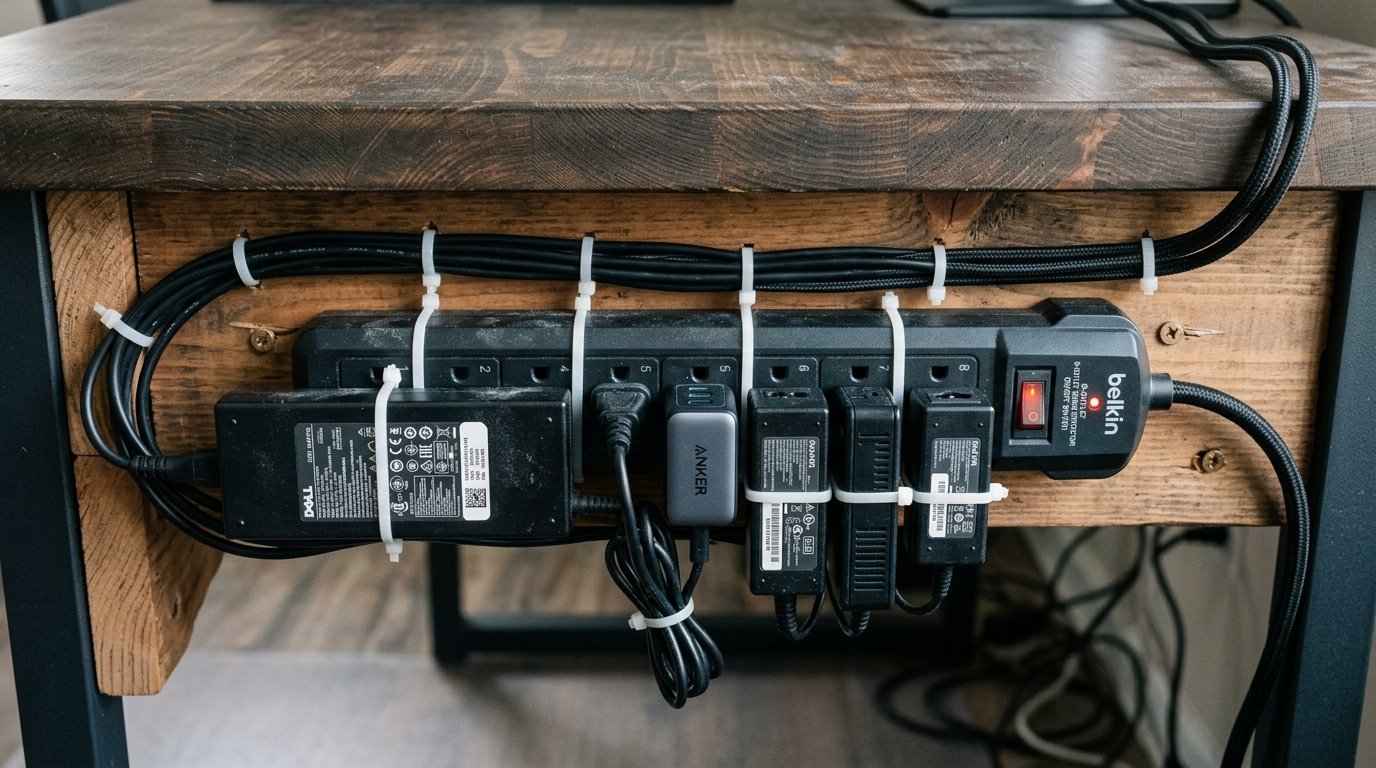
Leaving power strips sitting on the floor allows dust bunnies to gather and creates a chaotic visual mess. In a professional cable management remote work setup, mounting your surge protector directly underneath the desk surface or onto the rear desk frame keeps power outlets elevated and organized.
Most heavy-duty surge protectors feature rear keyhole slots for wood screw mounting, while heavy-duty industrial hook-and-loop tape (such as 3M Dual Lock) provides a drill-free mounting alternative. Elevating your power strip makes plugging in temporary devices fast and convenient.
“Hiding power strips and excess cord loops in under-desk wire trays eliminates 90% of visible desk clutter instantly.” – Workspace Design Review 2026
4. Braided Cable Sleeves and Umbilical Runs in a Remote Work Setup
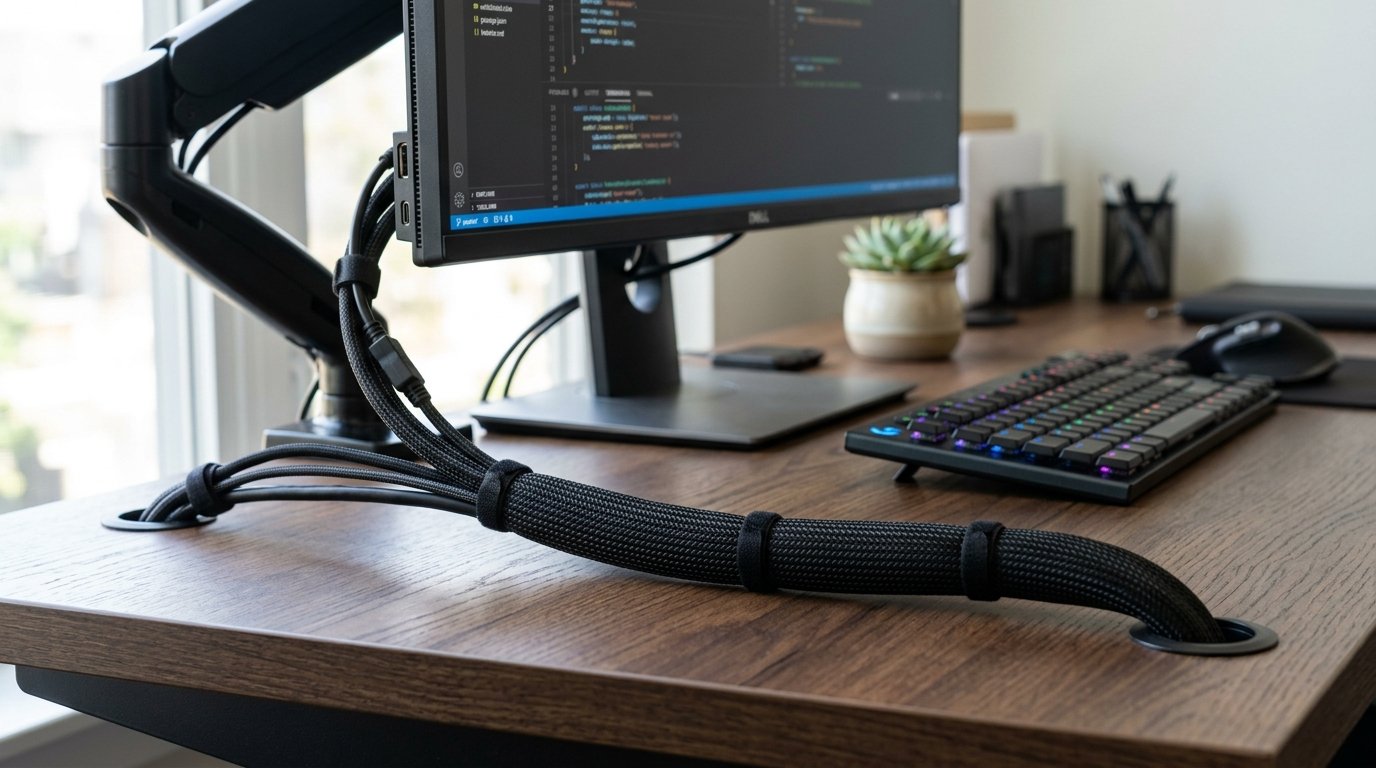
When multiple cables must travel together from your desk down to a wall outlet or floor computer tower, an unmanaged bundle looks unsightly. A high-grade cable management remote work setup utilizes flexible split-braided cable sleeves to combine multiple wires into a single clean umbilical tube.
Split sleeves wrap around existing wiring without requiring cables to be disconnected. For sit-stand desk configurations, using an expandable umbilical sleeve ensures cords flex smoothly during height adjustments without catching on nearby furniture legs.
5. Magnetic Desktop Cord Anchors in a Cable Management Remote Work Setup
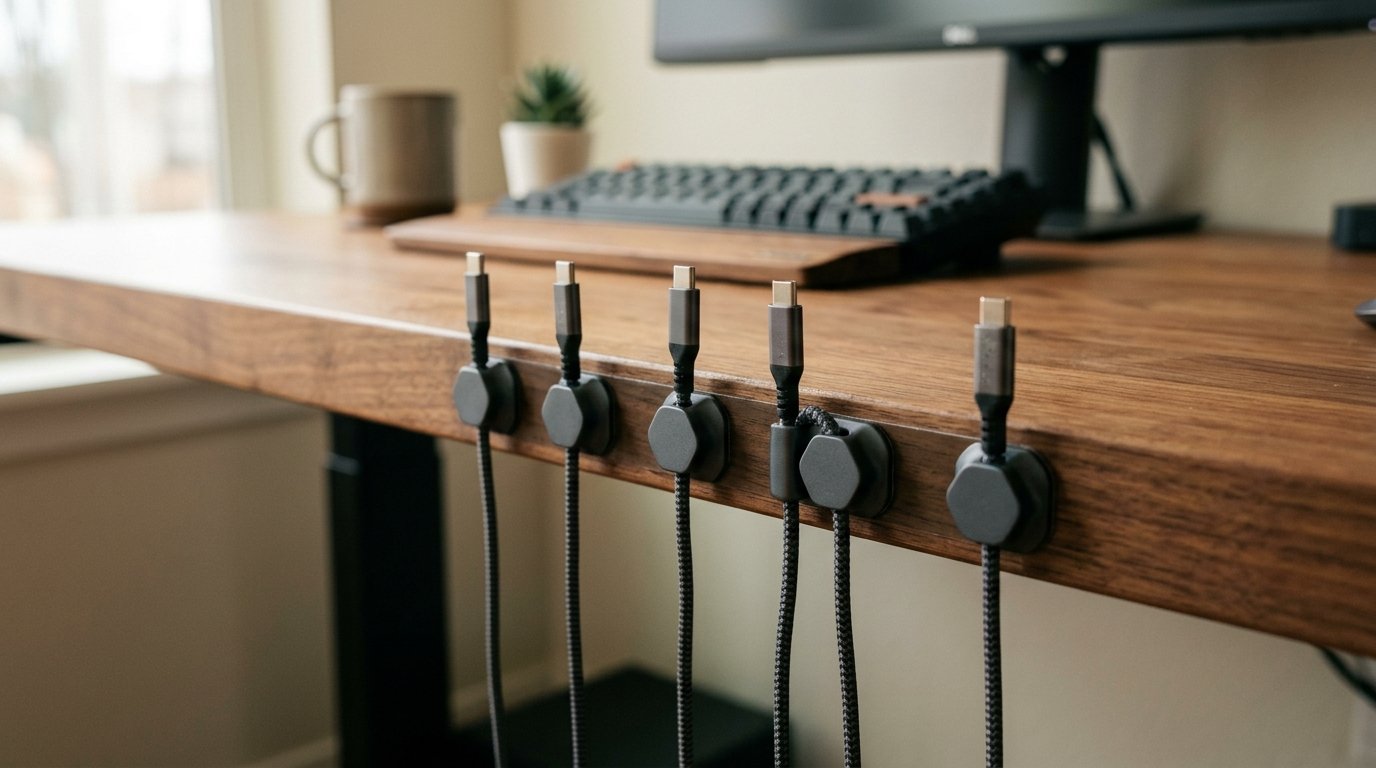
Frequent-use charging cables (like phone, tablet, or headphone chargers) often slip off the back of the desk when unplugged. Incorporating magnetic cord anchors into your cable management remote work setup keeps loose connector ends neatly resting at the desktop edge.
Magnetic anchors consist of a discreet magnetic base strip fixed to the desk edge and small magnetic collars clamped onto individual cables. When an item is unplugged, the cable snaps securely onto the base, keeping chargers within arm’s reach without cluttering your desktop.
“Magnetic cord anchors prevent charger tips from slipping behind desks, maintaining a neat desktop perimeter.” – Interior Ergonomics Digest
6. Routing Wires Through VESA Monitor Arm Channels in a Remote Work Setup
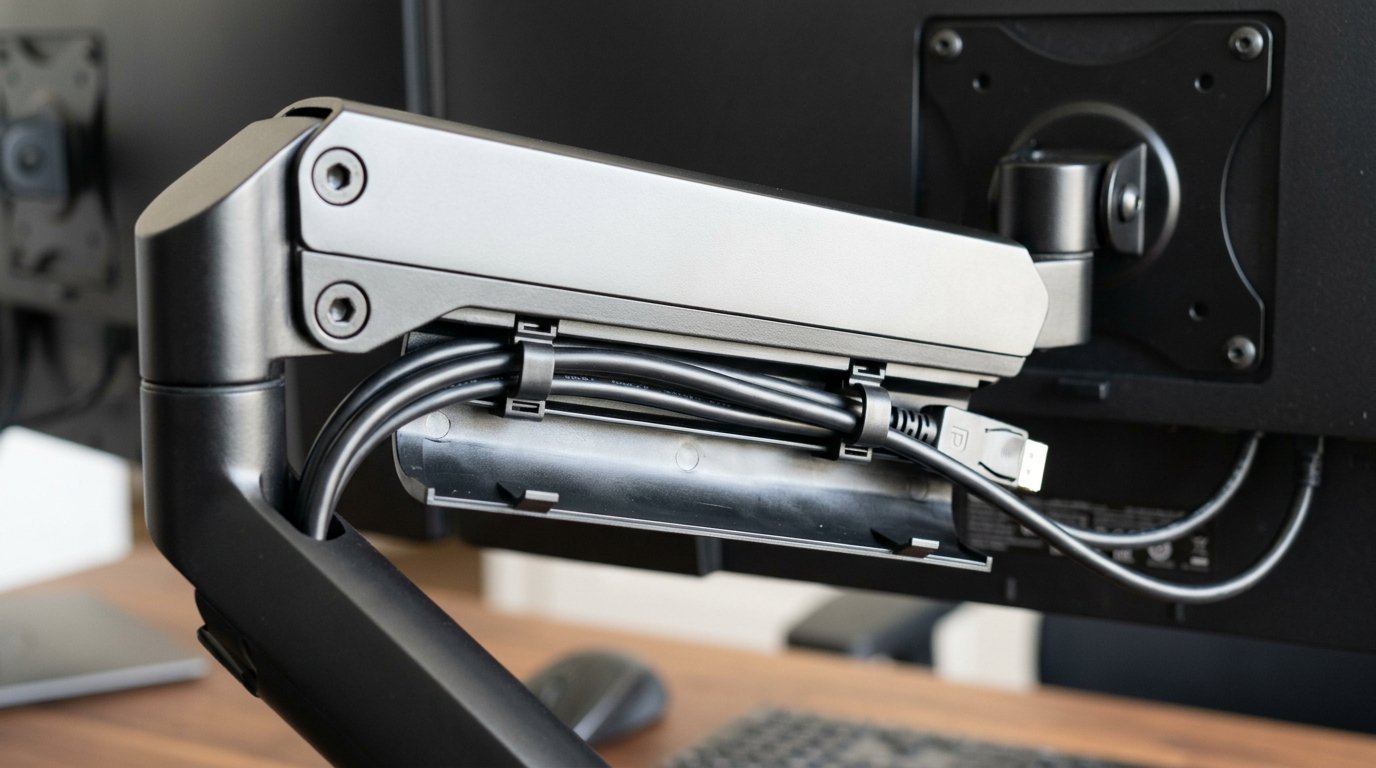
Monitor cables dangled directly beneath floating screens ruin the clean effect of an elevated display. In an optimized desk cord routing, selecting VESA monitor arms with built-in internal cable management channels hides wires inside the arm structure itself.
Feeding DisplayPort and monitor power cords through the arm’s plastic snap-in covers routes wiring down to the desk surface unseen. Leaving adequate cable slack at the arm joints ensures smooth screen articulation without putting tension on monitor ports.
7. Sit-Stand Desk Cable Slack Management in a Remote Work Setup
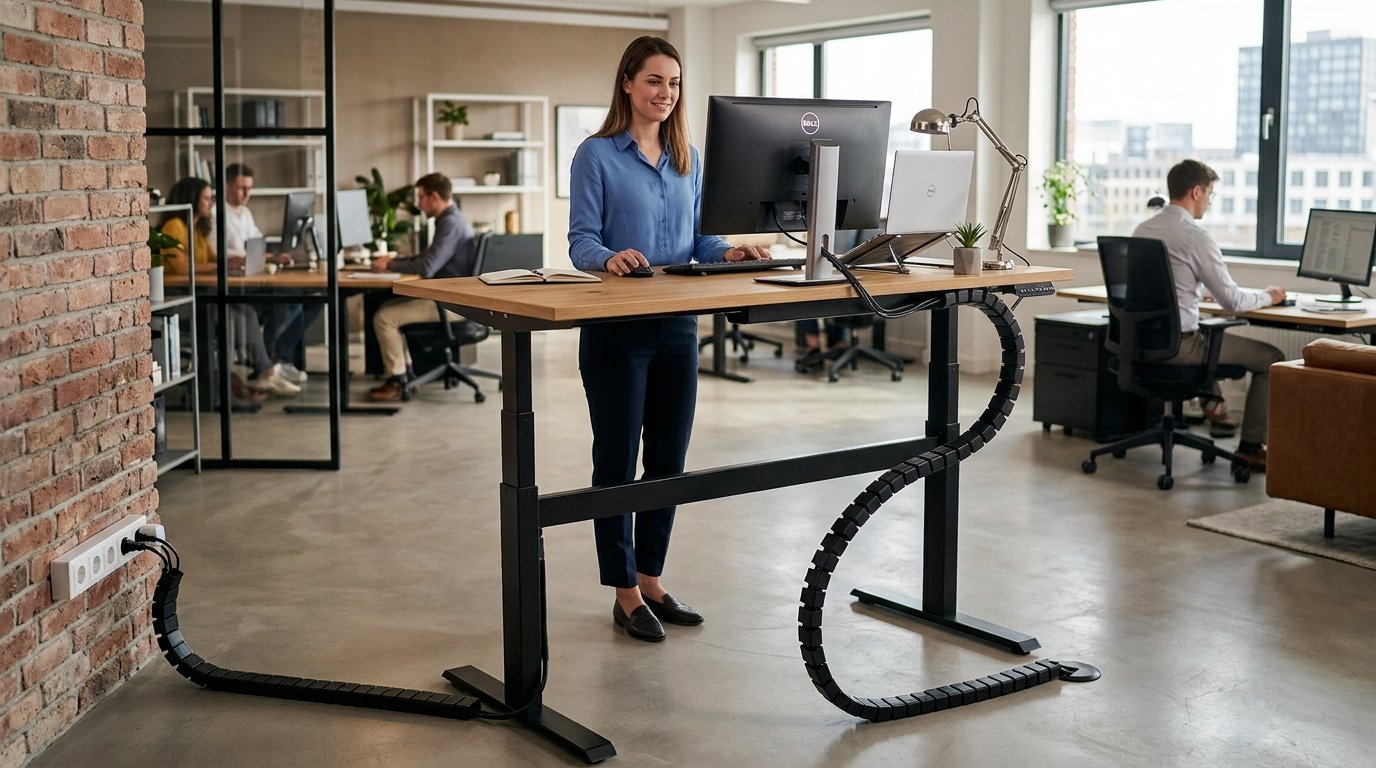
Height-adjustable standing desks introduce unique wire management challenges. If cables are tied too tightly at sitting height, raising the desk to standing height can tear ports or unplug wall adapters. A smart wire management setup calculates total cable slack based on maximum standing desk height.
Utilizing a flexible standing desk cable spine or coiled umbilical guide ensures cords expand and contract smoothly during transition cycles. Securing all power inputs to a single under-desk power strip guarantees that only one main flex cord needs extra slack allowance.
8. Reusable Hook-and-Loop Velcro Straps vs. Plastic Zip Ties in a Remote Work Setup
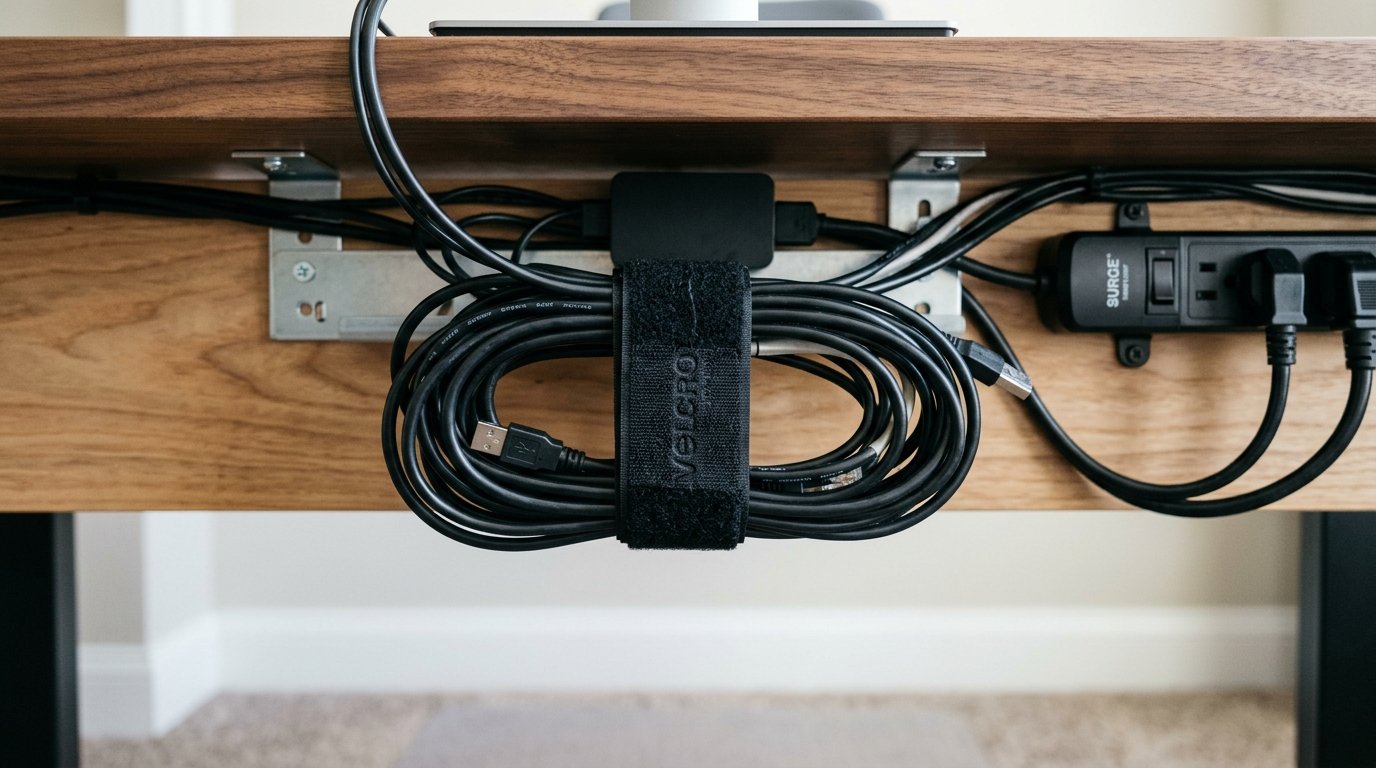
Permanent plastic zip ties can pinch delicate fiber optic cables and require wire cutters to modify. A professional desk cord routing relies exclusively on reusable hook-and-loop velcro cable straps.
Velcro straps allow adding, removing, or re-routing cables in seconds without risk of slicing insulation. Color-coded velcro ties also help identify specific device connections inside crowded under-desk trays during system maintenance.
Q: Budget vs. Premium Cost Guide
| Component Category | Budget Friendly Option | Premium Professional Option |
|---|---|---|
| Under-Desk Tray | Wire Mesh Screw Tray ($18) | Vivo Steel Clamp Tray ($45) |
| Cable Channels | PVC J-Channel Kit ($15) | Magnetic Aluminum Raceways ($40) |
| Cable Sleeves | Split Braided Sleeve 10ft ($10) | Standing Desk Cable Spine ($35) |
| Cord Anchors | Adhesive Silicone Clips ($8) | Anker Magnetic Cord Keeper ($25) |
Q: Myth vs. Fact
Myth 1: Zip ties are the best tool for securing home office workstation cables.
Fact 1: Plastic zip ties damage cable insulation over time and require cutting to make minor setup modifications; reusable velcro is far superior.
Myth 2: Under-desk power strips cause dangerous heat buildup.
Fact 2: Open wire mesh trays allow continuous air circulation, keeping transformer bricks cool and safe.
Myth 3: Standing desks require every single device cord to stretch to the floor.
Fact 3: Mounting a surge protector under the desk means only one single master power cord drops to the wall outlet.
Myth 4: Good cable management takes days of complex installation.
Fact 4: Using adhesive J-channels and velcro straps allows complete desk wire transformation in under an hour.
Myth 5: You must drill holes into your desk to manage wires properly.
Fact 5: Heavy-duty clamp-on trays and 3M adhesive raceways provide drill-free cable management solutions for all desks.
Q: Frequently Asked Questions (FAQs)
Q: How do I keep cables organized on a standing desk?
Mount a surge protector to the underside of the desktop so all device cables connect locally, leaving only one main power cord dropping down to the wall outlet with extra slack.
Q: What is the best way to hide cables on a glass or metal desk?
Use clamp-on under-desk wire trays and magnetic cord clips that secure to metal frames without requiring drill holes or permanent adhesives.
Q: How much extra cable slack is needed for a height-adjustable desk?
Measure total cord length at your maximum standing desk height plus add 6 to 8 inches of extra slack to prevent strain on wall outlets.
Q: Are J-channel raceways safe for finished hardwood desks?
Yes, quality J-channels use removable non-damaging adhesive strips that hold firmly yet peel away cleanly without damaging wood finishes.
Mastering a wire management setup creates a clean, distraction-free home office environment. By combining under-desk wire trays with adhesive J-channels, braided umbilical sleeves, and reusable velcro straps, you protect delicate electronics while building a sleek workstation aesthetics.