
Standing Desk Remote Work Setup: 7 Best Ergonomic Hacks
Are you thinking about upgrading to a standing desk remote work setup to boost your daily energy and eliminate post-lunch fatigue? As an interior ergonomics consultant with over eight years of experience testing sit-stand workstations, I regularly see remote professionals make the mistake of standing for hours on day one, leading to foot soreness and lower back fatigue.
Transitioning to a standing workspace requires strategic pacing, proper foot support, and correct height alignment. When done correctly, alternating between sitting and standing burns extra calories, improves blood circulation, and keeps your posture naturally aligned throughout the workday in your home office.
“The goal of a standing workstation isn’t to replace sitting entirely; it’s to introduce dynamic movement so your spine never locks into a single static posture.”
— Ergonomic Movement Philosophy
In this guide, based on real-world client setup evaluations, we will walk you through seven actionable steps for building a standing desk remote work setup that keeps you active and comfortable.
1. Choose the Right Frame for Your Standing Desk Remote Work Setup
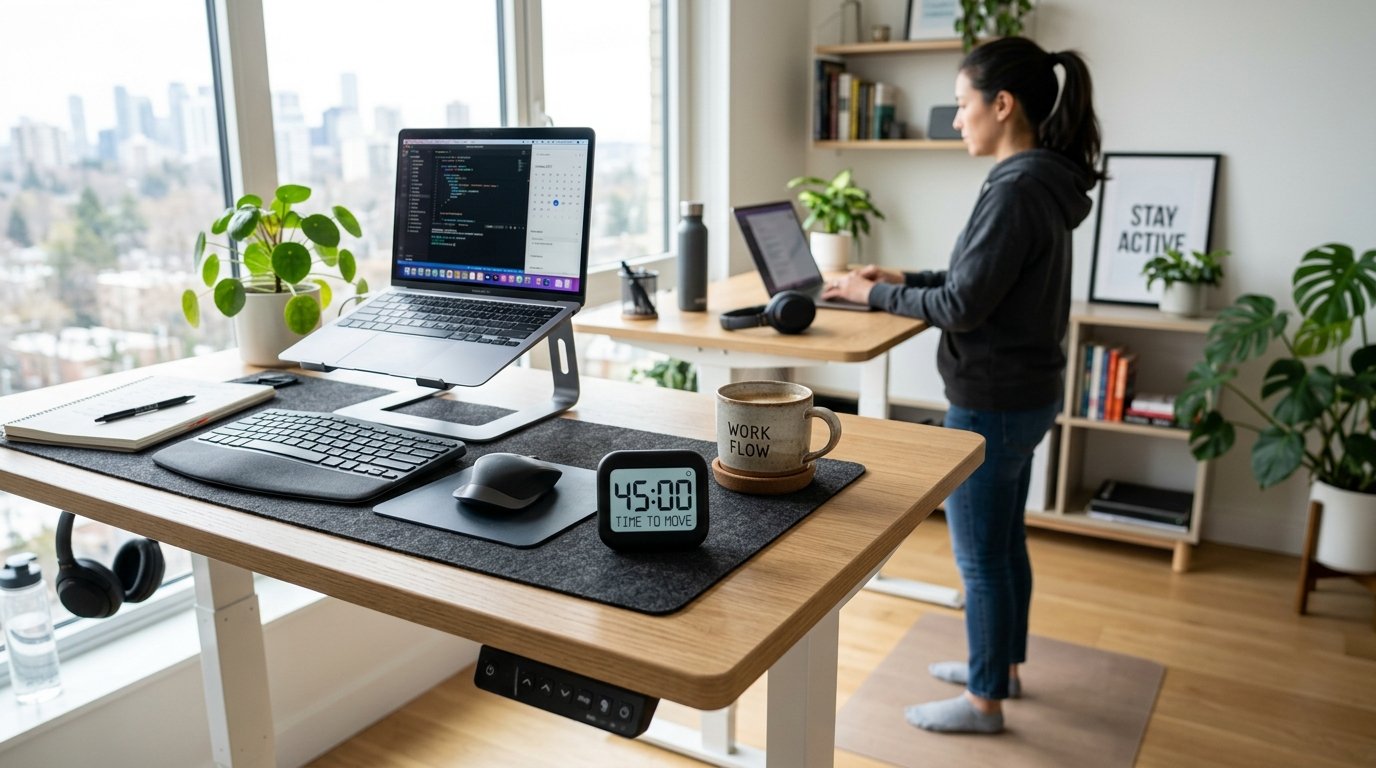
Single-motor standing desks often wobble when extended to full height and lift heavier dual-monitor setups with difficulty. Choose a sturdy dual-motor electric frame. Dual-motor desks offer smoother, quieter height adjustments and higher weight capacities, ensuring your monitors remain completely stable when typing while standing.
Look for frames equipped with programmable memory presets. Memory keypad controllers allow you to save your exact standing and sitting heights down to the millimeter, making transitions effortless at the push of a single button.
In addition, check the frame’s lifting speed and noise rating. High-quality dual-motor motors operate silently below 45 decibels and adjust at speeds of 1.5 inches per second, allowing you to alter posture seamlessly during phone calls without audio disruption.
Heavy-duty steel T-leg designs provide maximum lateral stability. Unlike C-leg frames that tilt forward under heavy pressure, T-leg frames distribute table weight directly beneath the center of the desktop, keeping your monitors completely wobble-free even at maximum standing heights.
2. Use a High-Density Anti-Fatigue Floor Mat
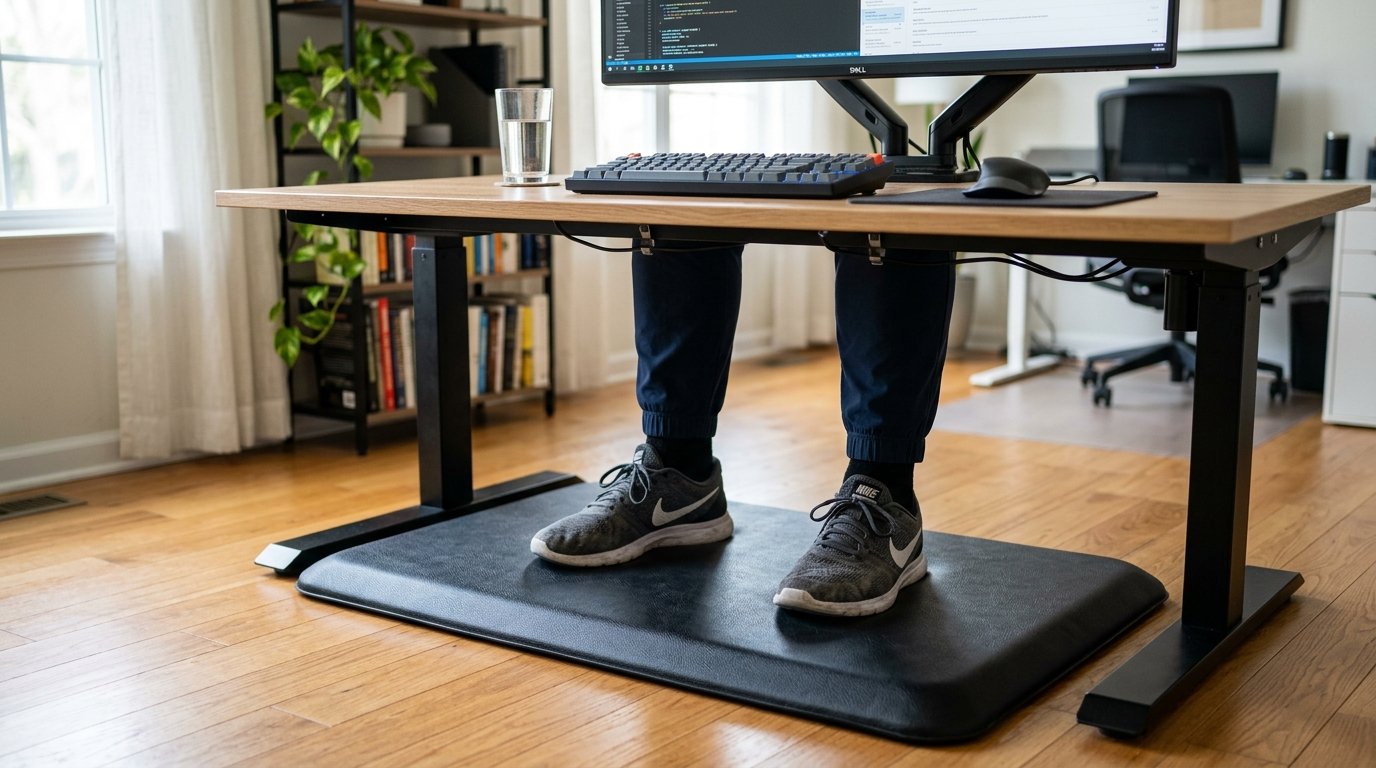
Standing on hardwood or carpeted floors without cushioning places severe strain on your heels, knees, and lower back. Invest in a 3/4-inch high-density anti-fatigue mat.
The soft, resilient cushion absorbs foot impact and encourages subtle foot micro-movements that promote venous blood return back to your heart, making your standing desk remote work setup feel comfortable for longer periods.
Topographic anti-fatigue mats featuring raised side ramps and foot massage mounds allow you to stretch your calves and arches while working standing up. Changing foot positions regularly keeps your ankle joints flexible and reduces pressure points.
Always wear supportive footwear with cushioned arch support when standing for extended work sessions. Avoid standing in bare feet or flat socks on hard floors, as un-cushioned standing can strain foot plantar fascia over time.
3. Set Proper Height in Your Standing Desk Remote Work Setup
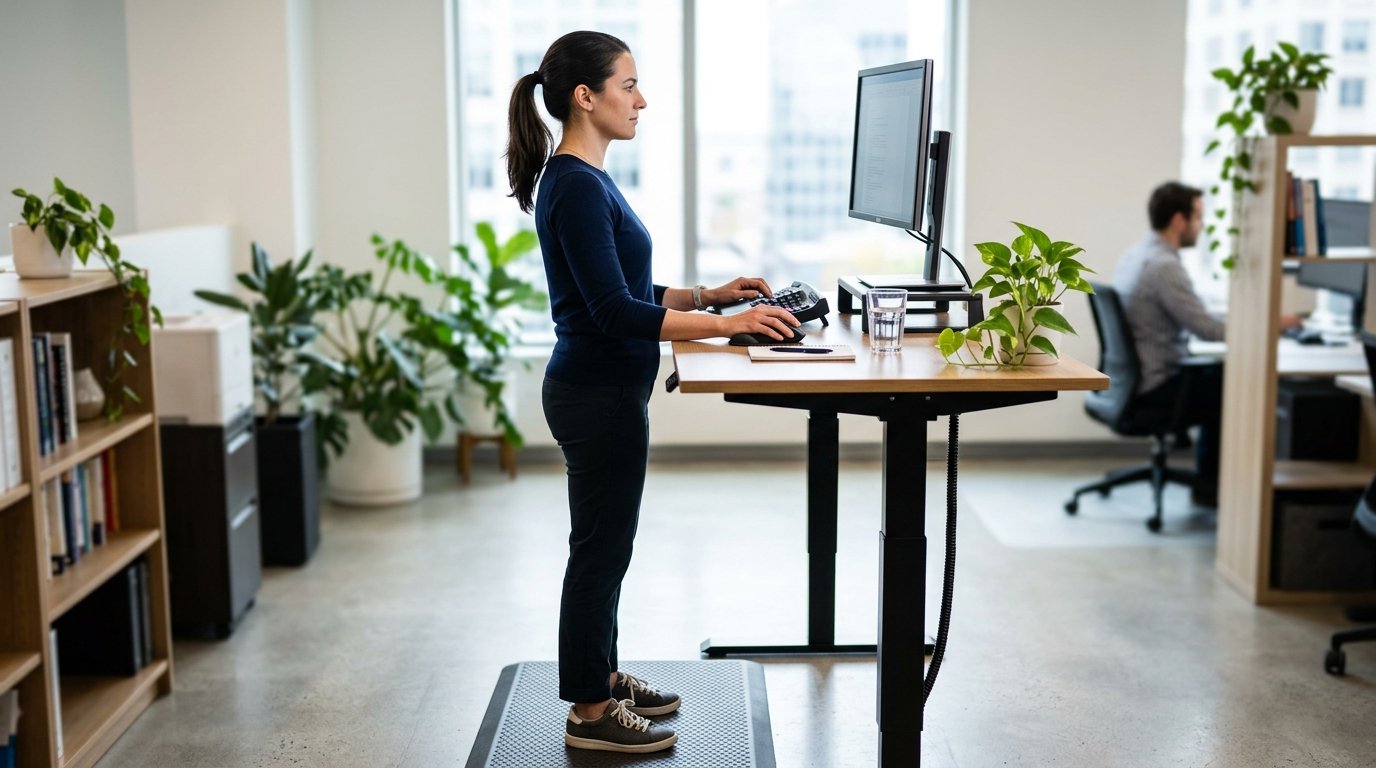
Adjust your standing desk height so your forearms rest comfortably on the desk surface at a 90-to-100-degree elbow angle while your shoulders remain fully relaxed.
If your desk is set too high, your shoulders will shrug upward, causing upper back strain; if it is set too low, you will slouch forward over your keyboard.
Ensure your wrist position remains neutral without bending backward or downward while typing. Pairing your desk with an angled palm rest keeps wrist tendons aligned correctly in your home office desk configuration.
Position your computer monitors on gas-spring articulating arms so the top third of the display meets your exact horizontal line of sight whether you are sitting or standing up.
4. Follow the 20-8-2 Sitting to Standing Ratio
Leading ergonomic researchers recommend the 20-8-2 rule for optimal health. For every 30 minutes at work, sit for 20 minutes, stand for 8 minutes, and stretch or walk around for 2 minutes.
Following this rhythmic interval cycle prevents both sitting fatigue and standing exhaustion, keeping your energy steady throughout your workday.
Using a smart desk height reminder app or a simple digital timer on your desk builds positive habit loops, ensuring you alternate postures automatically without interrupting your deep focus work.
Remember that movement is the ultimate goal. Taking quick 2-minute walking or stretching breaks keeps spinal intervertebral discs hydrated and sharpens cognitive mental focus.
“Consistency beats intensity every time. Short, frequent standing intervals do far more for your spinal health than standing for three hours straight until your feet ache.”
— Ergonomic Testing Notes
5. Install a Flexible Cable Management Spine
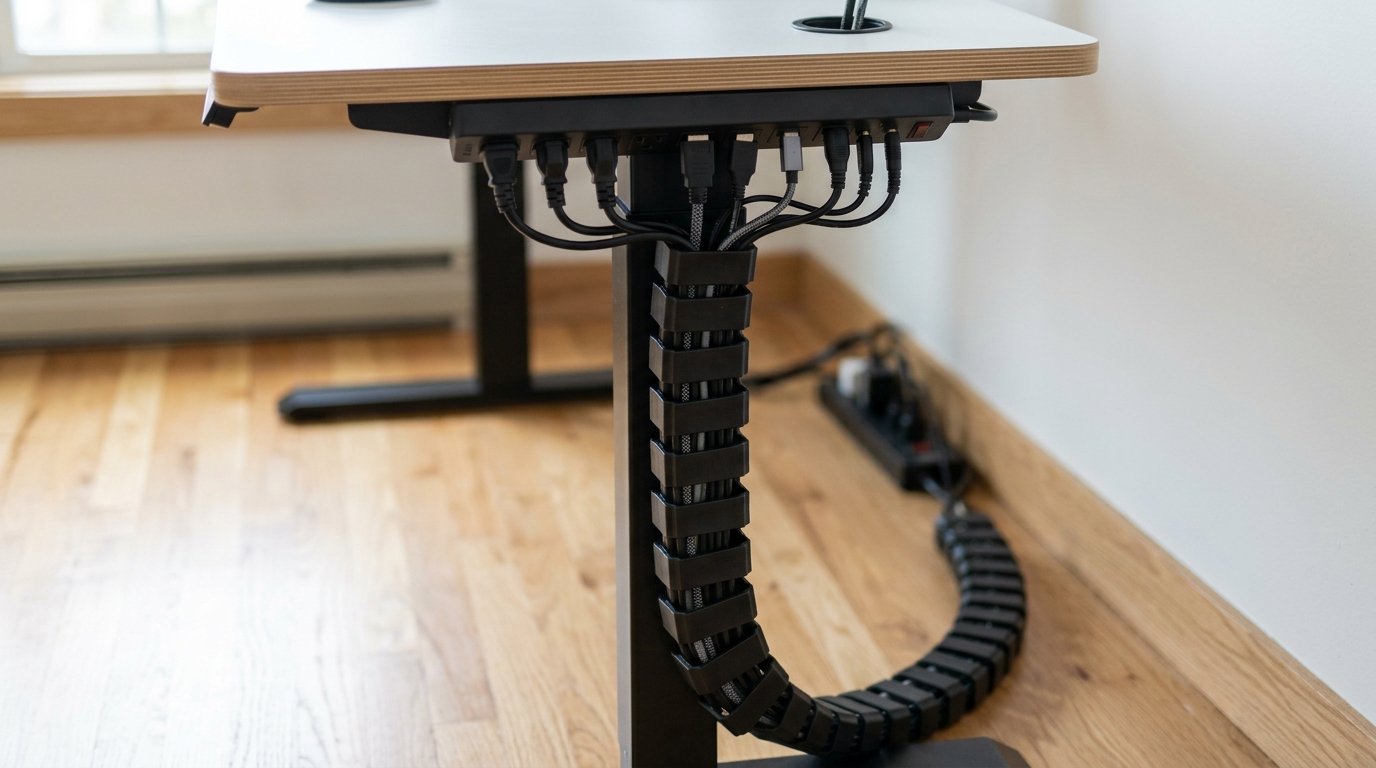
When your desk rises and lowers, tight computer cords can unplug or snag on surrounding furniture. Install a flexible vertical cable spine or expandable umbilical cord sleeve.
This allows your power cables to expand and contract smoothly alongside your desk’s height adjustments without creating clutter in your standing desk remote work setup.
Mount a multi-outlet surge protector underneath your desk top so all monitor and laptop chargers travel upward and downward with the desk, requiring only one main power cord to reach your wall outlet.
Use under-desk wire trays and magnetic cord clips to keep power bricks, HDMI cables, and USB cords completely hidden from view for a sleek minimalist aesthetic.
6. Use an Active Balance Board for Core Engagement
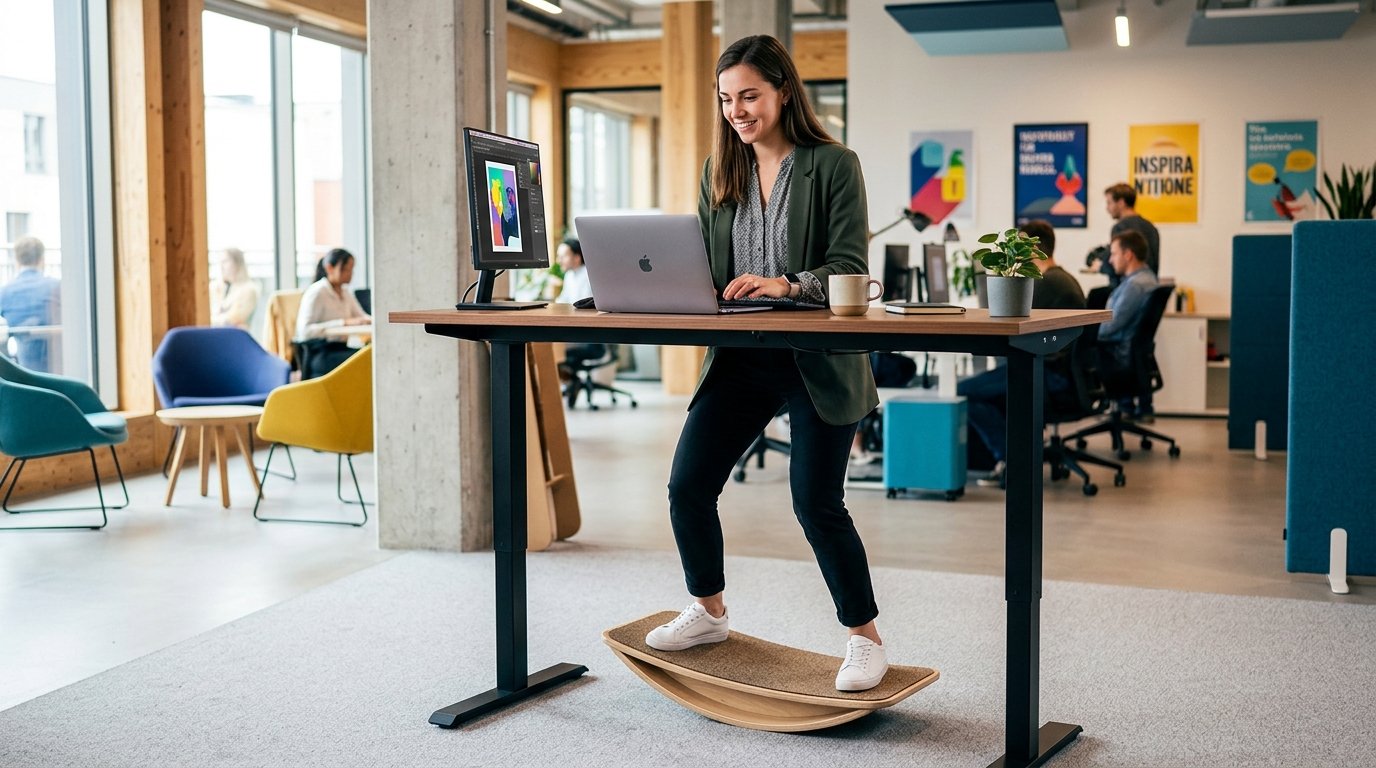
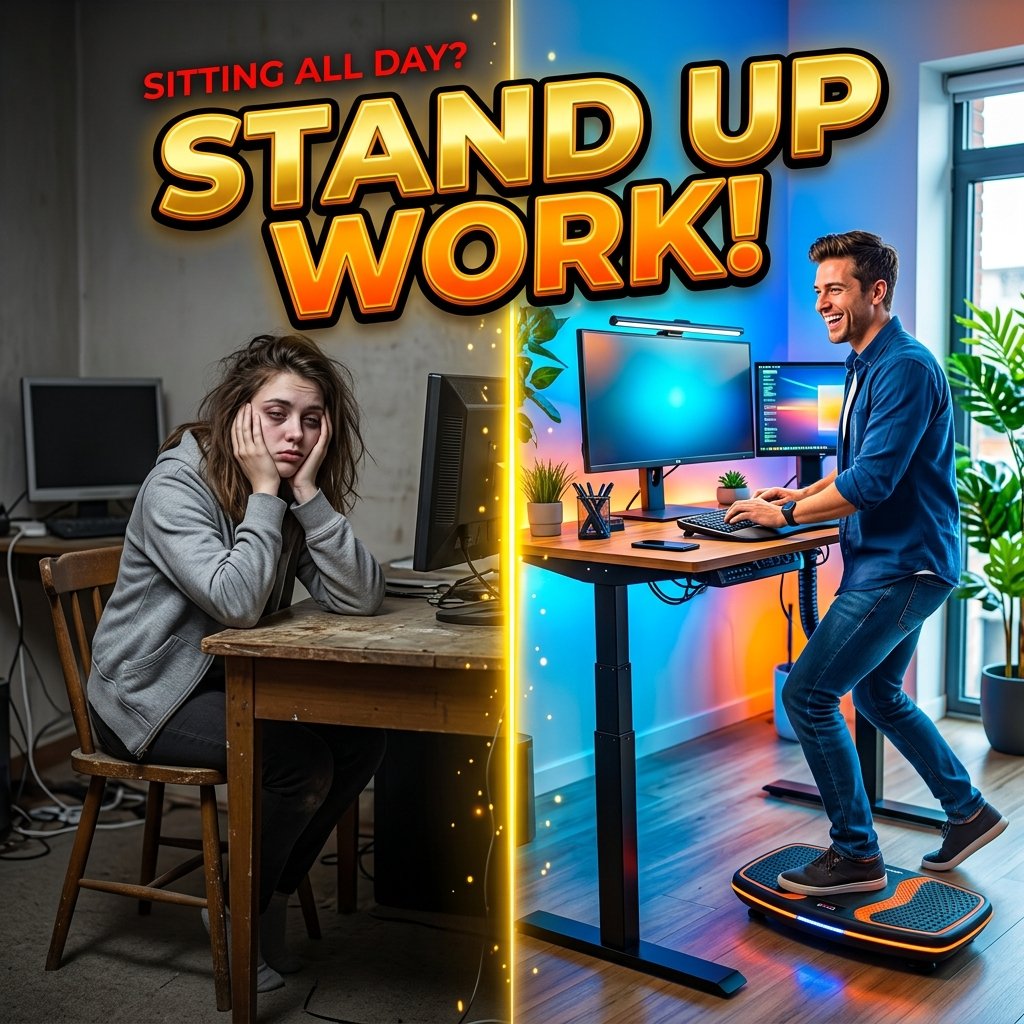
An active balance board or wobble board introduces subtle movement while standing. Gently rocking side-to-side engages your core muscles, activates your calves, and keeps your hips loose, making standing for work feel engaging rather than tiring.
Dynamic movement while standing burns additional calories, improves joint lubrication, and prevents lower back stiffness from settling in during long phone calls or video conferences.
7. Transition Gradually Over Two Weeks
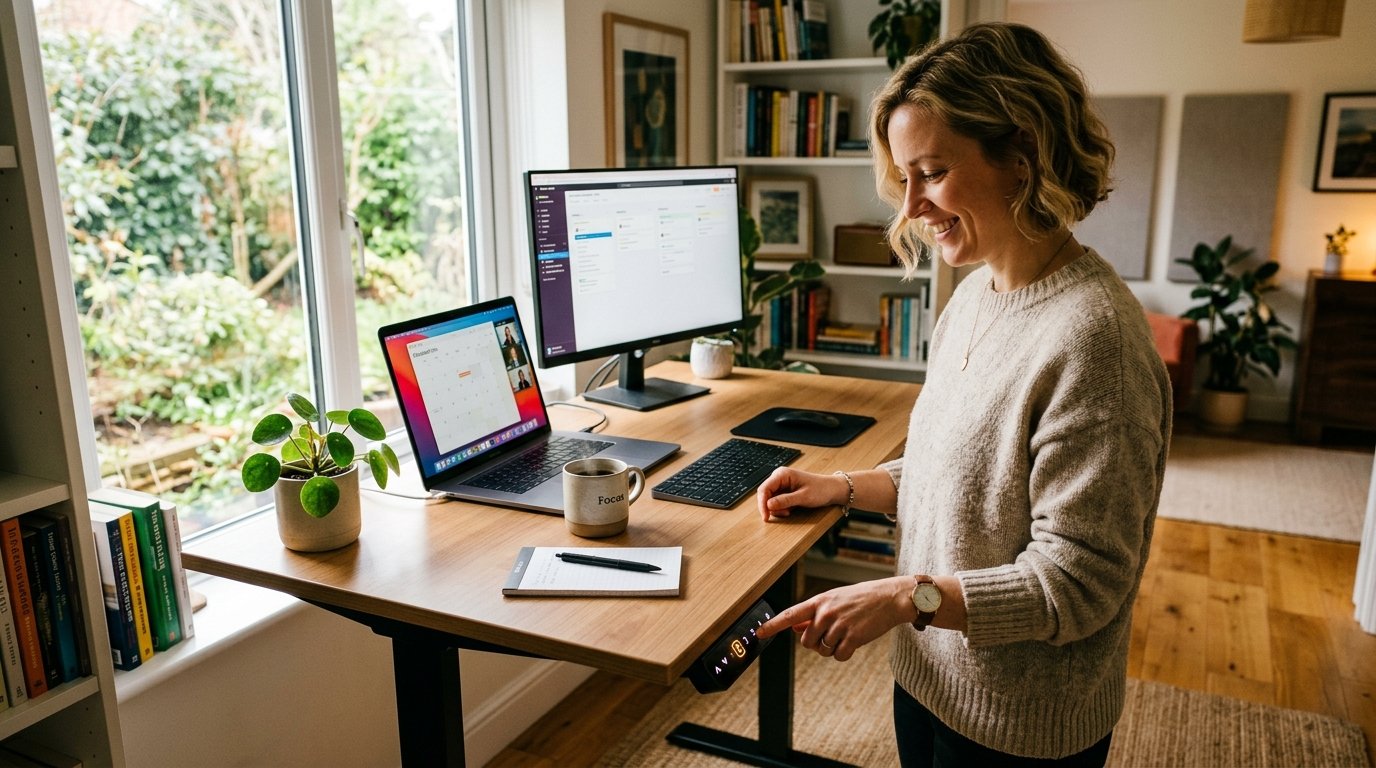
Do not attempt to stand for five hours on your first day. Start with two 15-minute standing sessions on Day 1, then gradually increase your standing duration by 10 minutes each day over two weeks to complete your transition.
Listen closely to your body signals. If your lower back feels tired or your feet ache, lower your desk and sit down. Gradual adaptation builds muscle stamina naturally over time.
Q: Standing Desk Remote Work Setup Budget vs. Premium Cost Guide
| Gear Item | Budget-Friendly Approach | Premium Investment |
|---|---|---|
| Standing Desk | Manual desk converter ($90) | Dual-motor bamboo standing desk ($650+) |
| Anti-Fatigue Mat | Basic 1/2-inch foam mat ($25) | Topographic active standing mat ($100) |
| Cable Management | Velcro straps & cord clips ($12) | Magnetic cable tray & flexible spine ($80) |
Q: Myth vs. Fact
Myth 1: Standing desks replace the need for physical exercise.
Fact 1: Standing burns slightly more calories than sitting, but it is not a replacement for walking or active exercise.
Myth 2: You should stand in bare feet or socks on a hard floor.
Fact 2: Standing without arch support on hard surfaces strains foot fascia. Always use supportive shoes or an anti-fatigue mat.
Myth 3: Standing desks are only meant for young or highly fit people.
Fact 3: Electric standing desks allow anyone to customize height presets and move at their own comfortable pace.
Myth 4: Sit-stand desks wobble so much that you cannot type easily.
Fact 4: High-quality dual-motor desks with steel T-style legs remain rock solid even at maximum standing heights.
Myth 5: Manual crank desks are just as convenient as electric ones.
Fact 5: Manual cranks require effort, causing most people to stop adjusting height. Electric memory presets encourage frequent movement.
Q: Frequently Asked Questions (FAQs)
Q: How many hours a day should I use a standing desk?
Aim for 2 to 4 total hours of standing per 8-hour workday, broken into 15 to 30-minute intervals interspersed with sitting and walking.
Q: Do I need a special monitor arm for a standing desk?
While not strictly mandatory, a gas-spring monitor arm ensures your screen stays perfectly at eye level whether you are sitting or standing.
Q: Why do my feet hurt when using a standing desk?
Foot pain usually occurs from standing too long too fast, standing on hard flooring without a mat, or wearing flat unsupportive footwear.
Ultimately, transitioning to a standing desk remote work setup is an effective way to stay energized and keep your posture active. By combining a dual-motor desk with an anti-fatigue mat and taking regular movement breaks, you will enjoy a healthier workday. For more information on workplace health, explore this guide on Standing Desk history. Also, check out our pillar article on Ergonomic Remote Work Setup for complete workstation alignment tips.




One Comment